Moving the kitchen TV display off Chromecast — the 2026 hardware landscape
Chromecast with Google TV is discontinued. We have spent the year looking at what replaces it for restaurant order displays — Fire TV, Onn, Vega OS, Apple TV — and here is where we landed.
By Carlos Butler
Co-founder, engineering
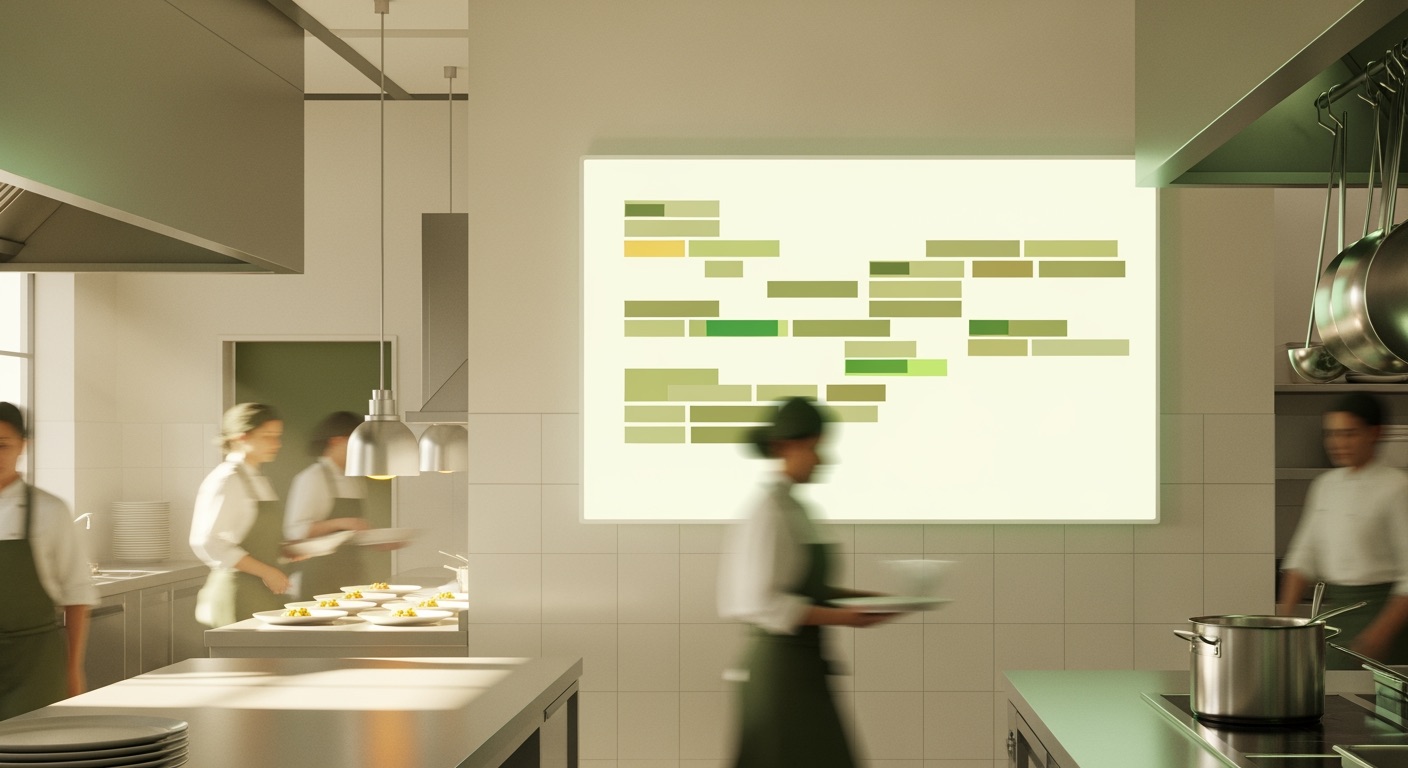
For about four years our recommended “kitchen display” setup has been a Chromecast with Google TV, the 4K model, paired with a cheap HDMI monitor and ORDR’s order-board web page set to full-screen. It was under £60 all-in, it had Android apps when we needed them, and every restaurant has a TV tuner somewhere.
In 2025, Google quietly pulled the plug. The Chromecast with Google TV is discontinued. The replacement is the Google TV Streamer, which is more expensive, less suited to a kitchen wall, and has nudged us to rethink the entire category.
This post is a long-overdue write-up of what you can actually buy in April 2026 to put a POS order board on a television, and which ones we have tested.
The shortlist
We wanted a box that ticks four things:
- Cheap enough to buy one per location and not think twice. Under £60 ideally.
- Boots into a stable Chrome-based browser, because ORDR’s kitchen board is a web page and we do not want to ship a native app just for displays.
- Survives 12 hours of being always-on in a hot kitchen without bricking itself in six months.
- Has an Ethernet option, or at least tolerates weak Wi-Fi gracefully.
Fire TV Stick 4K Select — the budget winner
Amazon released the Fire TV Stick 4K Select at €48 / £45 in late 2025. It runs Amazon’s own Vega OS rather than Fire OS (Android-based). Browser support is limited compared with Fire OS, but there is a Silk browser build that is good enough to load the ORDR kitchen board and run it indefinitely.
The good: genuinely cheap, native HDMI stick, no dangling box, Vega is leaner and more power-efficient than Fire OS.
The bad: no Ethernet. You can pair it with the official Amazon Ethernet adapter, but that adds £15 and a dangly cable. No sideloaded Android apps if you need them later.
Verdict: the default recommendation for a single-TV kitchen that already has decent Wi-Fi. For the price it is hard to beat.
Onn 4K Pro streamer — the surprise
Walmart’s Onn 4K Pro is ~£55 in the UK via imports. It runs Google TV (i.e. Android), has an Ethernet port built in, and idles quietly.
The good: proper Ethernet, runs a full Chrome / TV-based browser, accepts sideloaded APKs if you need to test a native app later.
The bad: Walmart hardware is harder to support in the EU. Firmware updates come through Google’s release channels, but if it bricks, the RMA path is not great.
Verdict: the best option if you want the old Chromecast-with-Google-TV experience at roughly the same price. If a restaurant has ten locations and wants one-per-site, this is what we suggest.
Apple TV 4K — the premium outlier
About £160 for the Ethernet model. Runs tvOS.
The good: the best remote in the category, excellent browser via Safari on tvOS, rock-solid reliability, genuinely fast.
The bad: the price. Four times the cost of a Fire TV Stick. For a single-location operator who happens to already own an Apple TV, it is perfect. For a chain, multiply by the number of locations.
Verdict: only worth it if you are already deep in the Apple ecosystem or have a restaurant owner who refuses to use anything else.
The also-rans
- Raspberry Pi 5 running Raspberry Pi OS in kiosk mode. Costs more than a Fire TV Stick after a case and power supply. Works beautifully. Higher maintenance overhead — SD card wear is a real thing if you ever power-cycle hard, which kitchens do.
- Generic Android TV boxes from Amazon. Avoid. Firmware quality is a lottery. You will spend the savings on support calls.
- A spare laptop pointing at the TV. Genuinely the simplest option. But laptops in kitchens do not live long.
What actually matters for an order display
Hardware is maybe 20% of the problem. The other 80% is:
- Auto-launch the browser on power-up. Every box we tested can do this, but each has its own way. Document it.
- Disable the screen-off timer and any idle-mode. Kitchen TVs need to run indefinitely.
- Have a recovery story for when Wi-Fi drops. ORDR’s kitchen board buffers the last state locally, so a 30-second network blip does not blank the display — but check that whatever board you use behaves the same way.
- Physical mounting. A £40 VESA mount that survives a grease-laden kitchen is worth more than a £20 streaming stick that pops out when a chef brushes past it.
Our current recommendation
- One or two locations, Wi-Fi reliable: Fire TV Stick 4K Select. £45. Done.
- Three-plus locations or unreliable Wi-Fi: Onn 4K Pro with Ethernet. £55. Roughly the same power profile.
- Apple-first operator: Apple TV 4K. £160. Perfect, just expensive.
All three run ORDR’s kitchen order board as a web page with no native app required.
What ORDR does about this
ORDR’s kitchen display is a browser-native page that works on every streaming box listed above, plus any Android tablet or spare laptop. We ship print-fallback too — if the display dies mid-service, kitchen tickets keep printing. See the help centre article on kitchen displays for the up-to-date setup guide.