Tap to Pay on iPhone in UK hospitality — the state of play in 2026
Tap to Pay on iPhone has quietly become a real option for UK restaurants and bars. Here is what is different, what is the same as a traditional terminal, and why you still probably want a proper card reader on your main counter.
By Carlos Butler
Co-founder, engineering
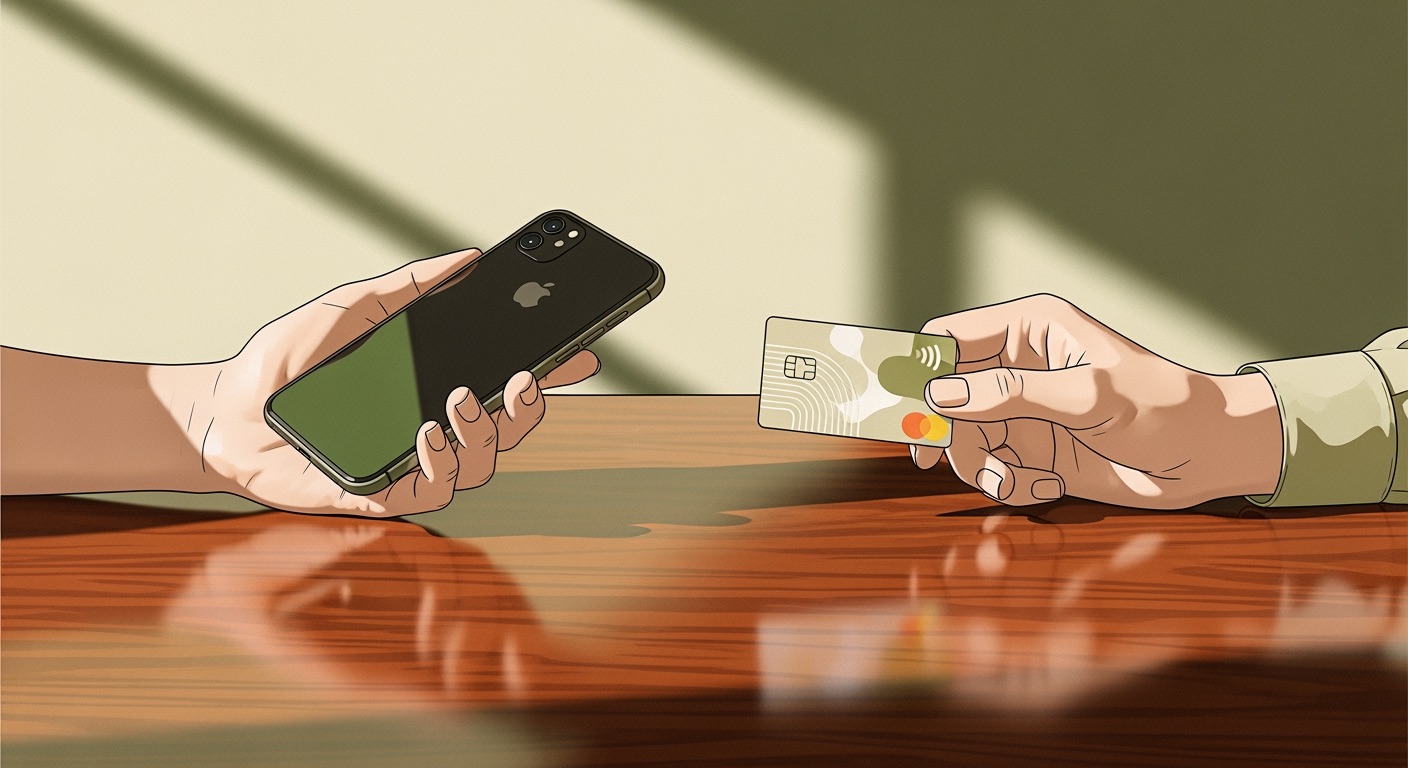
Tap to Pay on iPhone turns a modern iPhone into a contactless card reader. No dongle, no cradle, no extra box. You open your POS app, hit “Charge card”, and the customer presents their card or watch against the back of the waiter’s phone.
In the UK, it has been technically available since 2023 via Stripe, Square, SumUp and a handful of others. What changed in late 2025 is that the regulatory and experience kinks around tipping, refunds, and receipts were sanded down enough that it is now a genuinely viable replacement for a second or third card reader in a busy venue.
Here is what we have learned from testing it with our own customers over the last six months.
What works well
Speed of setup. You take a waiter’s existing iPhone, install the app, go through Apple’s activation flow once, and you are taking cards. Compare with the traditional “wait for the terminal to arrive, pair it, connect it to Wi-Fi, pair it again because that did not take the first time”.
Unit economics for overflow capacity. A card reader is £50–£150 per unit. An iPhone you already own is £0. For a venue with three regular terminals and a fourth waiter who only needs to take payments during peak, a fourth terminal is overkill. Tap to Pay on iPhone is the right size.
Outdoor service. Terraces. Events. Festival pitches. Tap to Pay is mobile in a way that even the best cellular terminal is not. A waiter with two plates in one hand and an iPhone in the other can take a £30 payment without queueing up at a till.
Tipping UX. The tip screen is native to the phone — big, easy to tap, touchscreen-friendly. Contrast with the four-line display on a traditional PDQ.
What does not work well yet
No customer-facing PIN entry. Tap to Pay on iPhone is contactless-only. For card amounts over the UK contactless limit (currently £100), the customer cannot enter a PIN on the iPhone — the transaction is refused and you fall back to inserting the card into a traditional terminal.
This is a hard limit. Apple’s current posture is that PIN entry on a consumer phone is not something they will support any time soon. If you sell bottles of wine at £180, you need a chip-and-PIN terminal on the bar. A majority of hospitality transactions fit inside £100, so for most tables and most rounds it is a non-issue. But it matters on fine-dining checks.
iPhone only. No Android equivalent from Stripe in the UK as of April 2026. Google’s Tap to Pay on Android has been rolling out more slowly and is not yet available through Stripe in the UK. If your staff are half iPhone and half Android, you are running two different payment flows, which is operationally annoying.
Battery drain. A waiter doing a Saturday night of 40 contactless transactions plus normal phone use will notice the battery draining faster. It is not catastrophic, but it is real. Keep a charger on the bar.
Screen cleanliness. In a kitchen or behind a bar, phones pick up grease. A greasy screen and a contactless tap do not always cooperate on the first try. Keep a microfibre cloth near the pass.
Reliability compared with dedicated terminals
We have been running a quiet pilot across six UK restaurants using ORDR + Stripe’s Tap to Pay SDK for about six months. Approval rates on Tap to Pay match traditional Stripe terminal rates — the difference is single-digit basis points, well within noise.
The failure modes are different:
| Failure | Traditional terminal | Tap to Pay on iPhone |
|---|---|---|
| No internet | Stores transactions for batch upload | Fails immediately |
| Battery dies | Terminal warns with flashing light | Phone just dies |
| Wrong card tapped | Reader rejects after ~2s | Same |
| Customer presents a card > £100 | Chip-and-PIN fallback | Fails, must move to another device |
The “no internet” difference is the big one for flaky Wi-Fi. A dedicated terminal with offline batching will quietly survive a two-minute router reboot; Tap to Pay on iPhone will not.
Where it fits in a modern POS
Our recommendation — after a lot of real-world testing — is:
- Primary counter: one or two dedicated Stripe Terminal readers (for PIN fallback, offline resilience, and because they just work).
- Waitstaff on the floor: Tap to Pay on iPhone, on the phone each waiter already carries. Huge ergonomic win over handing a terminal around the room.
- Overflow / events / terrace / pop-up: Tap to Pay on iPhone. Zero hardware overhead, spin up in two minutes.
The mental model is that Tap to Pay on iPhone is additive, not a replacement. It lets you accept contactless in places a terminal would not go. It does not let you retire the terminal.
Testing it
A useful trick during development: the Stripe Terminal simulator in the SDK covers a lot of web and React Native flows, but it does not cover Tap to Pay. Tap to Pay only works against real iPhone hardware with an activated merchant account. There is no end-to-end simulator. If you are integrating, budget the extra time to test on a physical device on day one.
What ORDR does about this
ORDR supports Tap to Pay on iPhone in the Staff app alongside traditional Stripe Terminal readers. Use a terminal for your counter and PIN-required transactions; use your waiters’ iPhones for everything else. The pricing is the same whether the card is tapped on a reader or on a phone. See the ORDR payments page for the full setup.