Feature: translated menus
Maintain a single menu across every language your customers speak. Prices, photos, and descriptions stay in sync automatically, and ORDR shows each customer the right menu based on their device language.
By Francesco Boffa
Co-founder
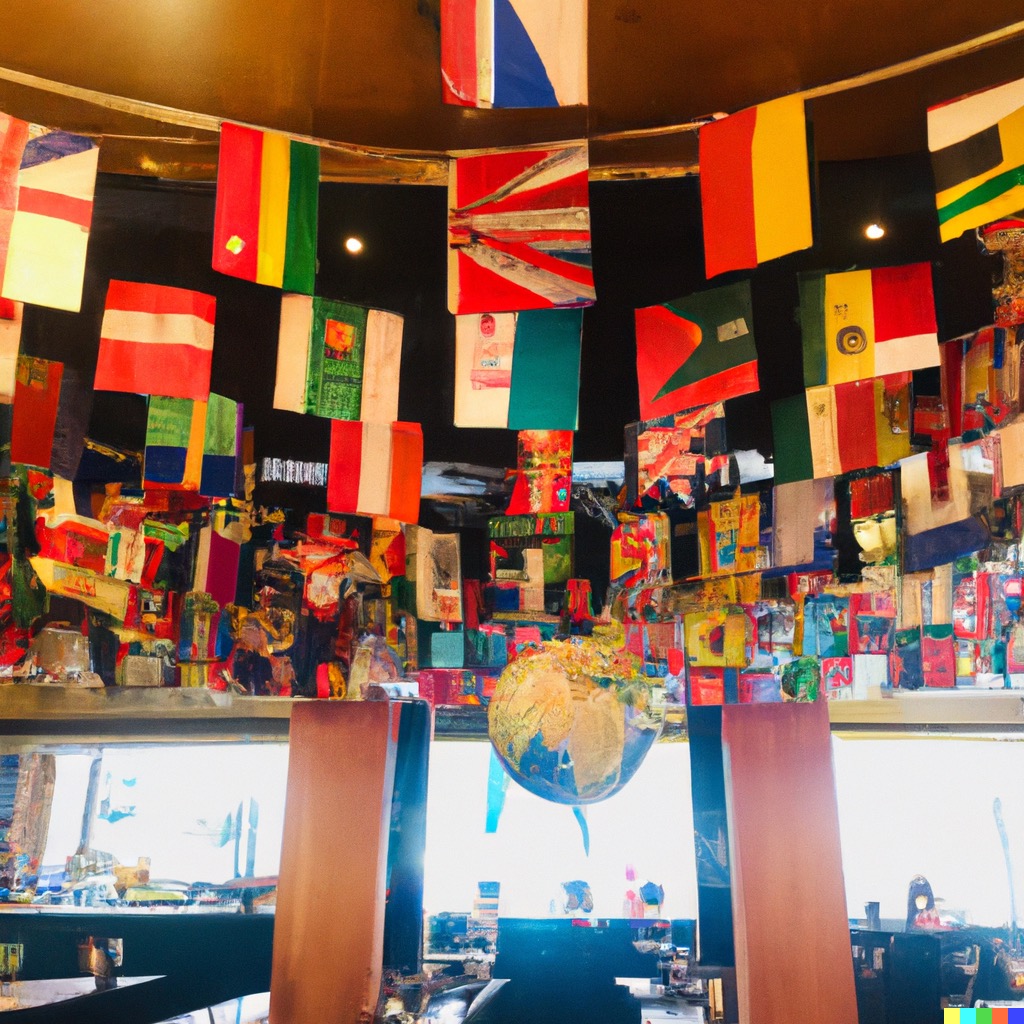
Menu, la carta, Speisekarte, メニュー
It does not matter where you are from, you know what a menu is. If your restaurant is in a large metropolis or in a tourism-driven town, you cannot expect everyone walking in to speak the local language.
The traditional solution is to prepare a second version of your menu in a second (and sometimes, third) language.
Translating the items and descriptions is the easy part. Maintaining them aligned quickly becomes a problem. Every time you want to add or reorder an item, change a price, or swap a picture, you have to get the Tipp-Ex out and deface your multi-language menu — or, more realistically, re-print the whole thing. After the first time, that is a burden financially and in time.
Giving up on tourists is not an option.
That is why, from the moment we started ORDR, we made sure that every single part of our application supports any given language.
“Being on Portobello Road in Central London means we get numerous cultures walking in on a daily basis. With the help of ORDR we managed to improve the customer experience, and thus serve more people with less confusion.”
— ORDR restaurant Ukai on Portobello Road, London
How does it work
Once you have enabled the languages you want and added the translations, your job is done.
Any price update or item repositioning is kept in sync across every language version of your menu.
The magic bit: when your customers open your ORDR-powered QR-code menu, we automatically detect their device’s preferred language and show them the best menu for them.
Update: with an extra pinch of magic powder, ORDR can now translate your menu in a few seconds. Read the follow-up post on automagic translation.
Getting started
Translated menus are a basic ORDR feature, available at every subscription level.
You can add or remove languages for your menus in the account settings. Once enabled, head to your product list and start translating.
Translating your menu
Writing a menu is tedious; translating one, downright boring. Only enable languages that match your customer base and that you can realistically maintain.
Your Vietnamese customers will prefer a well-written English menu to a confusingly translated one in their native language. When you enable a new language and click “Auto-translate menu”, make sure you can confirm the result with a native speaker before it goes live.
Intrigued by translated menus? Has your old ePOS collected a thick layer of dust? Sign up or email our team at help@ordr.menu.
Francesco, co-founder.